

Free download
Download Batocera 44
Free, no account needed. Pick your device, flash the image on a USB key or an SD card, boot and play.
1 What will you play on?
Not sure? Any computer from the last 15 years runs the PC image.
2 Choose your model in Raspberry Pi boards
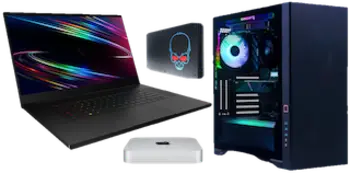 PC
Recent PC or laptop (Intel Haswell+, AMD Zen)
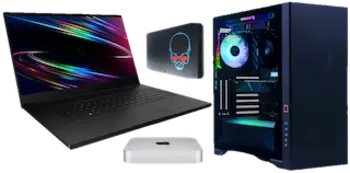 PC
Older PC or laptop, or if you're not sure
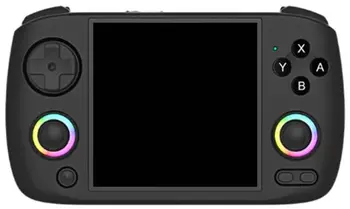 Anbernic Labeled
RG CubeXX
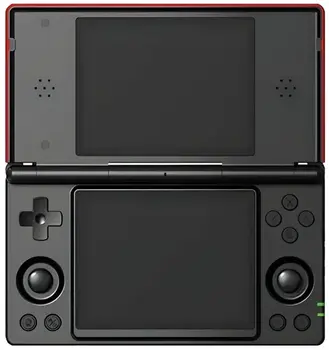 Anbernic Labeled
RG DS
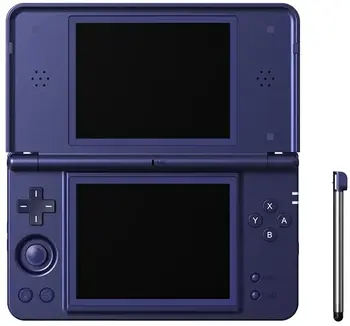 Anbernic Labeled
RG DS Plus
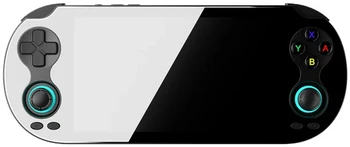 Anbernic Labeled
RG Vita Pro
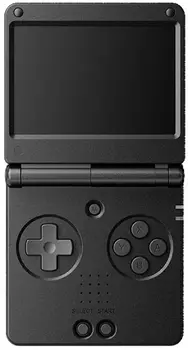 Anbernic Labeled
RG-SP
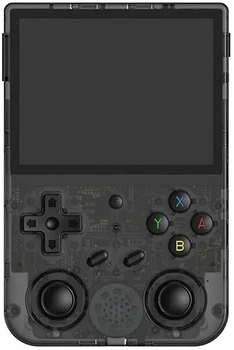 Anbernic Labeled
RG353P
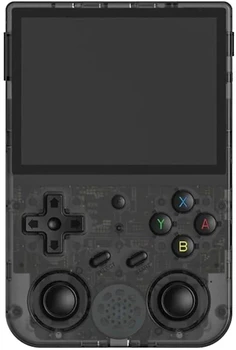 Anbernic Labeled
RG353V
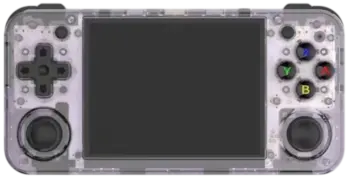 Anbernic Labeled
RG35XX H (original panel)
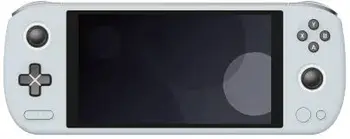 AYANEO Labeled
Air Plus
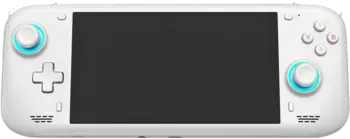 AYN Labeled
Loki Zero
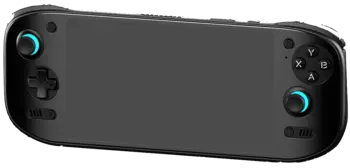 AYN Labeled
Odin 2 Portal
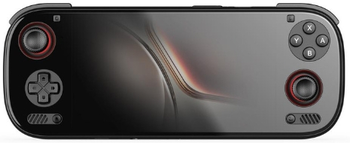 AYN Labeled
Odin 3
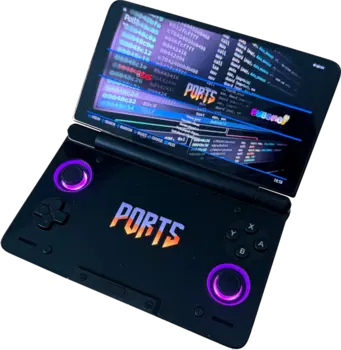 AYN Labeled
Thor
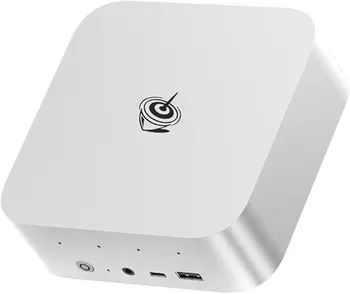 Beelink Labeled
SER9
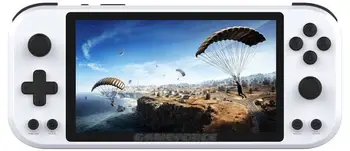 GameForce Labeled
Ace
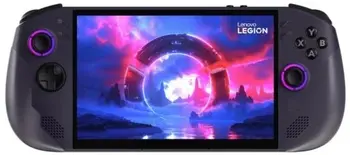 Lenovo Labeled
Legion Go S
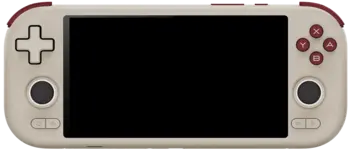 Mangmi Labeled
Air X (MQ65, TD4310 panel)
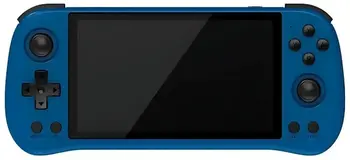 Powkiddy Labeled
X55
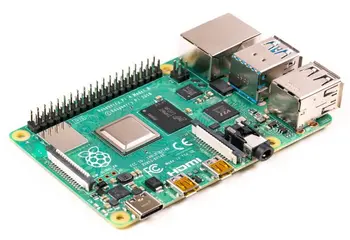 Raspberry Pi Labeled
Pi 4 Model B
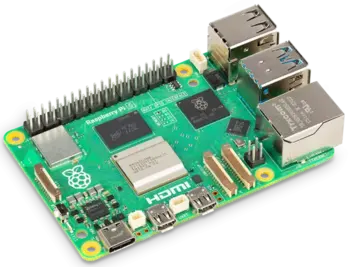 Raspberry Pi Labeled
Pi 5 Model B
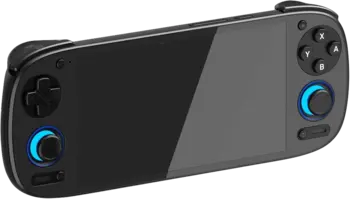 Retroid Labeled
Pocket 5
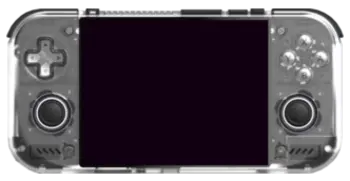 Retroid Labeled
Pocket Nova
 Generic
PS5000
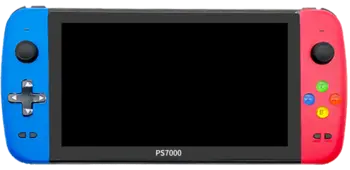 Generic
PS7000
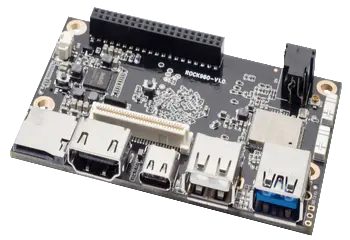 96Boards / Vamrs
Rock960
 Amediatech
X96 Air (100M)
 Amediatech
X96 Air (gigabit)
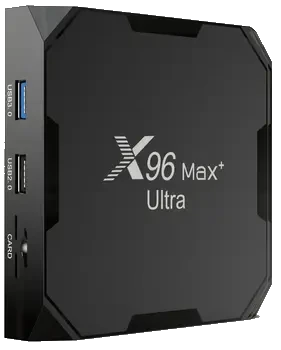 Amediatech
X96 Max+ (100M)
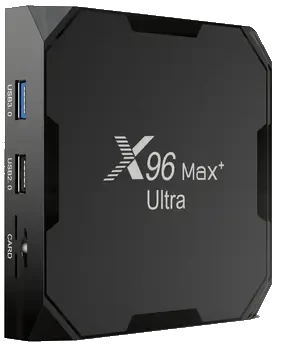 Amediatech
X96 Max+ (gigabit)
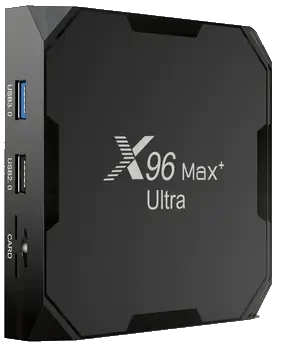 Amediatech
X96 Max+ board rev 2101
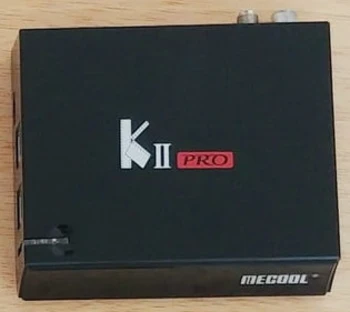
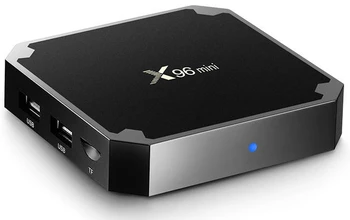 Amlogic ref.
P212-based S905X box
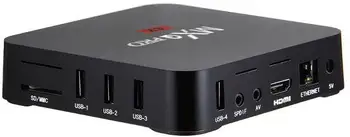
 Amlogic ref.
P230-based S905D box (gigabit)
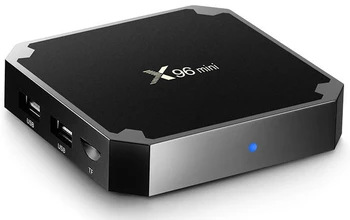
 Amlogic ref.
P231-based S905D box (100M)
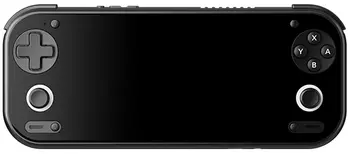
 Amlogic ref.
P281-based S905W box
 Anbernic
RG 55G1
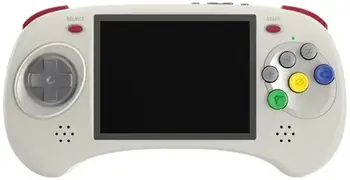 Anbernic
RG ARC-D
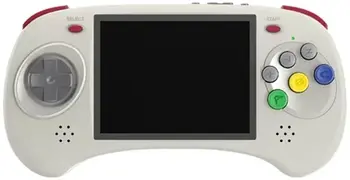 Anbernic
RG ARC-S
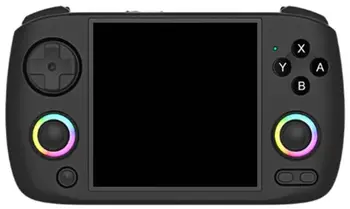 Anbernic
RG CubeXX (LPDDR3)
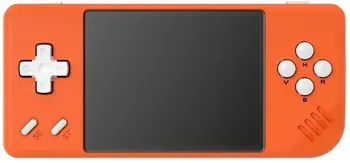 Anbernic
RG28XX
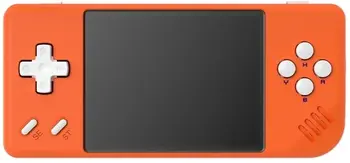 Anbernic
RG28XX (LPDDR3)
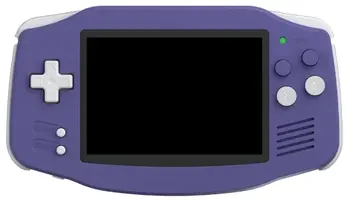 Anbernic
RG34XX
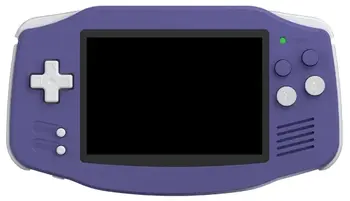 Anbernic
RG34XX (LPDDR3)
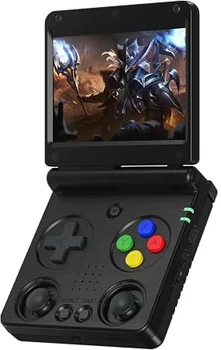 Anbernic
RG34XX-SP (original panel)
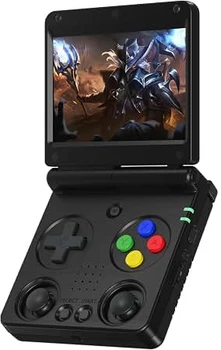 Anbernic
RG34XX-SP (original panel, LPDDR3)
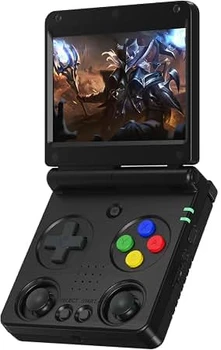 Anbernic
RG34XX-SP (v2 panel, LPDDR3)
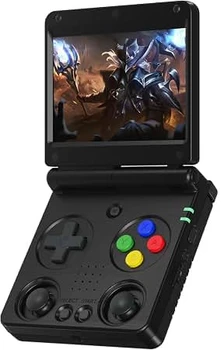 Anbernic
RG34XX-SP (v2 panel, LPDDR4)
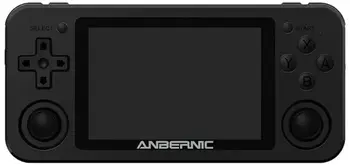 Anbernic
RG351M
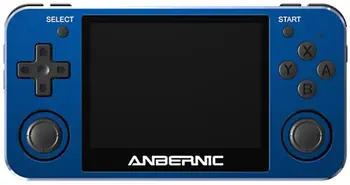 Anbernic
RG351MP
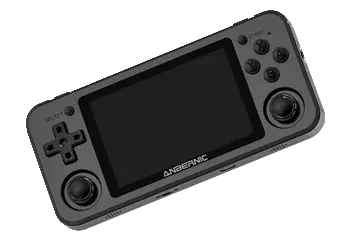 Anbernic
RG351P
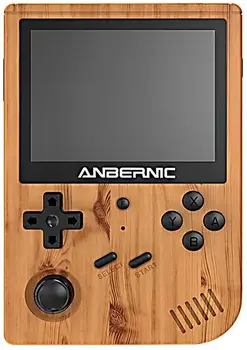 Anbernic
RG351V (v1 panel)
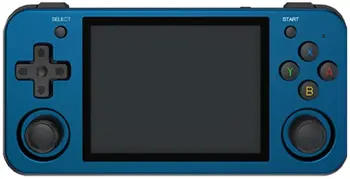 Anbernic
RG353M
 Anbernic
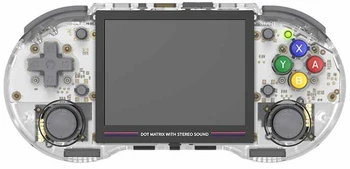
RG353PS
 Anbernic
RG353VS
 Anbernic
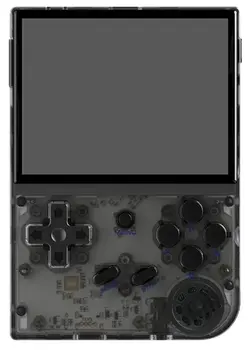
RG35XX 2024 (original panel)
 Anbernic
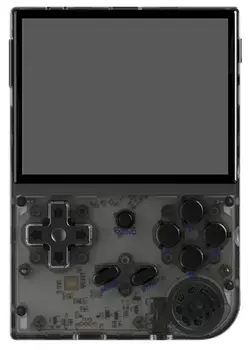
RG35XX 2024 (original panel, LPDDR3)
 Anbernic
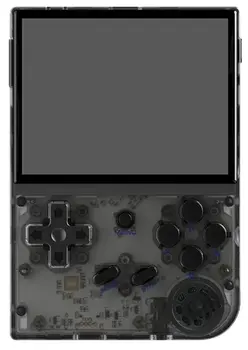
RG35XX 2024 (rev6 panel)
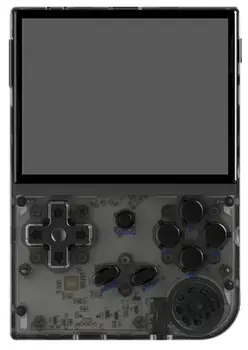 Anbernic
RG35XX 2024 (rev6 panel, LPDDR3)
 Anbernic
RG35XX H (original panel, LPDDR3)
 Anbernic
RG35XX H (rev6 panel)
 Anbernic
RG35XX H (rev6 panel, LPDDR3)
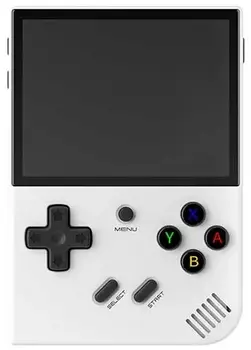 Anbernic
RG35XX Plus (original panel)
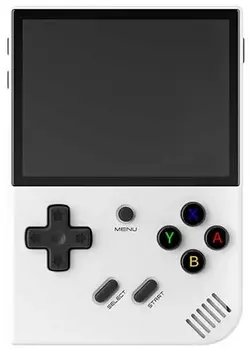 Anbernic
RG35XX Plus (original panel, LPDDR3)
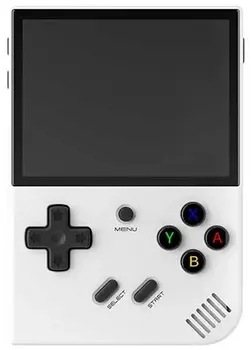 Anbernic
RG35XX Plus (rev6 panel)
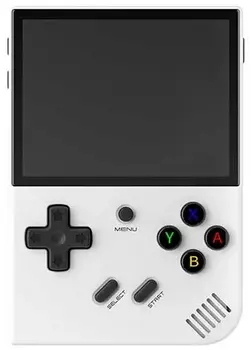 Anbernic
RG35XX Plus (rev6 panel, LPDDR3)
 Anbernic
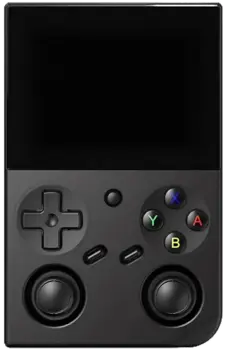
RG35XX Pro
 Anbernic
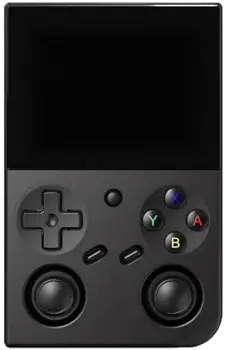
RG35XX Pro (LPDDR3)
 Anbernic
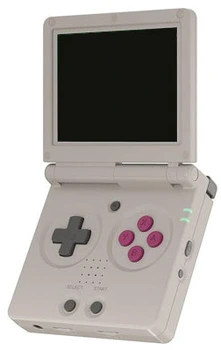
RG35XX SP (original panel)
 Anbernic
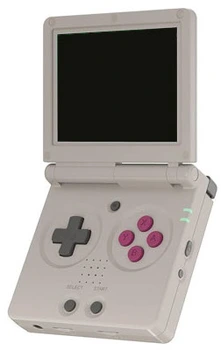
RG35XX SP (original panel, LPDDR3)
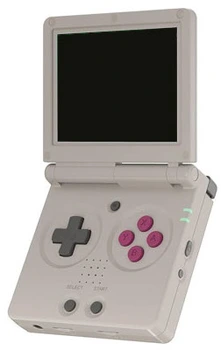 Anbernic
RG35XX SP (v2 panel)
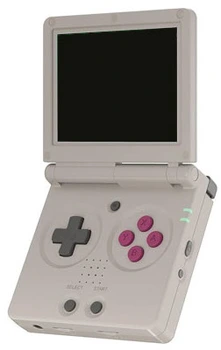 Anbernic
RG35XX SP (v2 panel, LPDDR3)
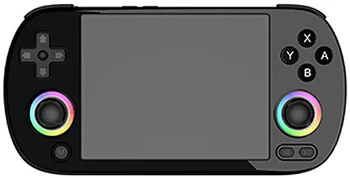 Anbernic
RG40XX H (original panel)
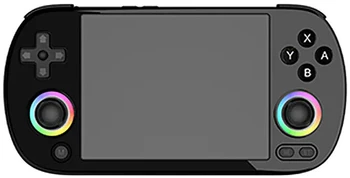 Anbernic
RG40XX H (original panel, LPDDR3)
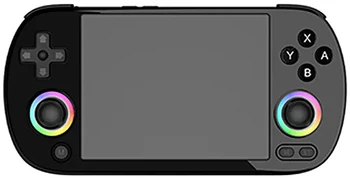 Anbernic
RG40XX H (v2 panel)
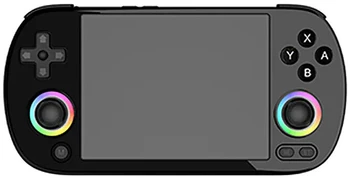 Anbernic
RG40XX H (v2 panel, LPDDR3)
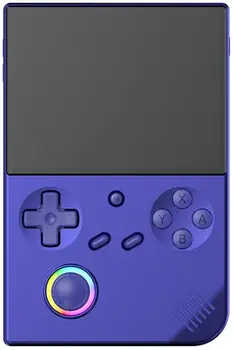 Anbernic
RG40XX V (original panel)
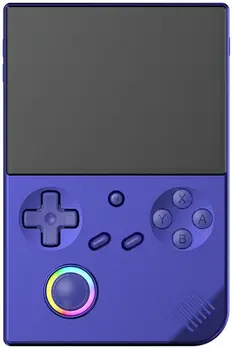 Anbernic
RG40XX V (original panel, LPDDR3)
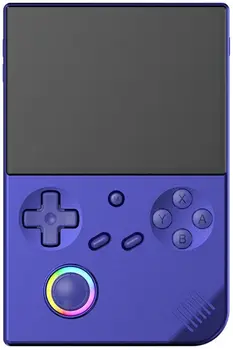 Anbernic
RG40XX V (v2 panel)
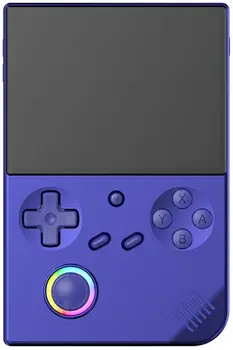 Anbernic
RG40XX V (v2 panel, LPDDR3)
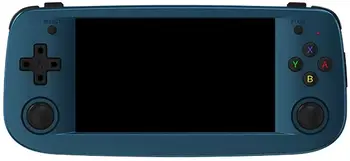 Anbernic
RG503
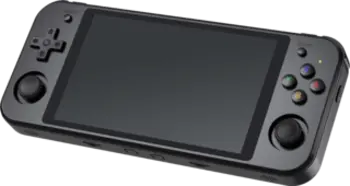 Anbernic
RG552
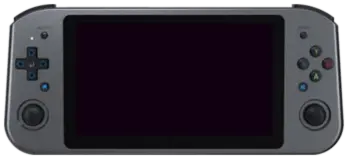 Anbernic
Win600
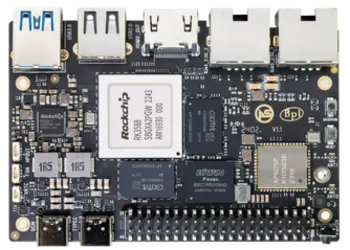 ArmSoM
Sige7
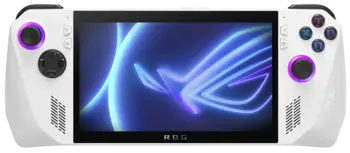 ASUS
ROG Ally
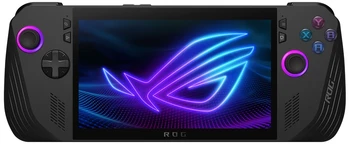 ASUS
ROG Ally X
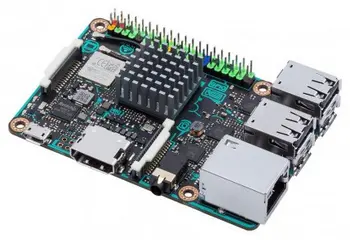 ASUS
Tinker Board
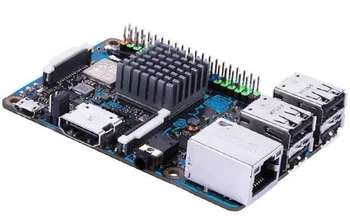 ASUS
Tinker Board S
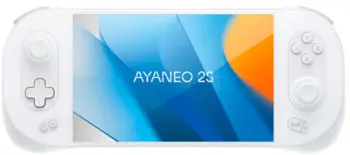 AYANEO
2S
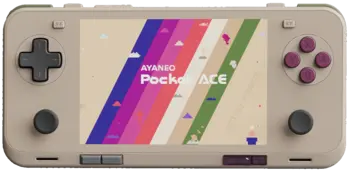 AYANEO
Pocket ACE
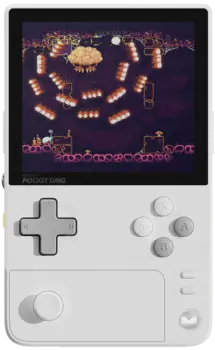 AYANEO
Pocket DMG
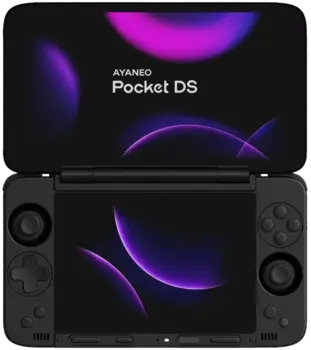 AYANEO
Pocket DS
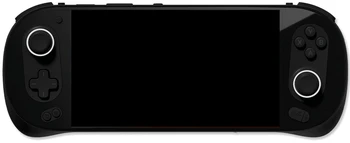 AYANEO
Pocket EVO
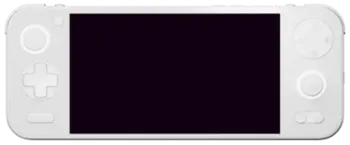 AYANEO
Pocket S
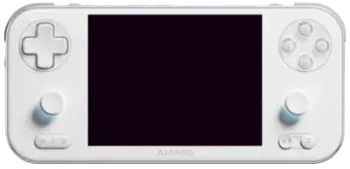 AYANEO
Pocket S Mini
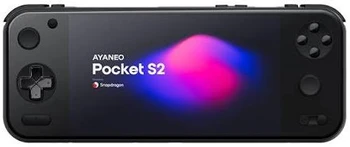 AYANEO
Pocket S2
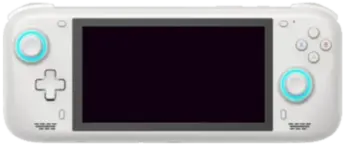 AYN
Loki Mini Pro
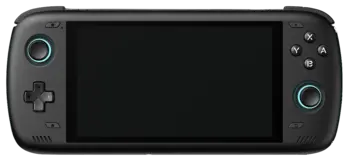 AYN
Odin 2
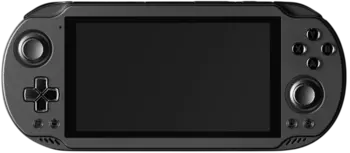 AYN
Odin 2 Mini
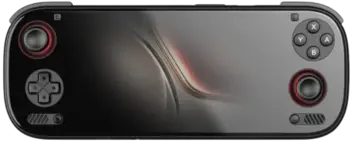 AYN
Odin Base
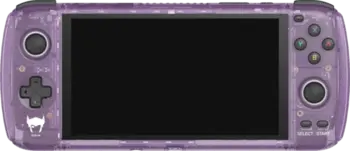 AYN
Odin M2
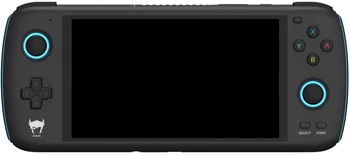 AYN
Odin Pro
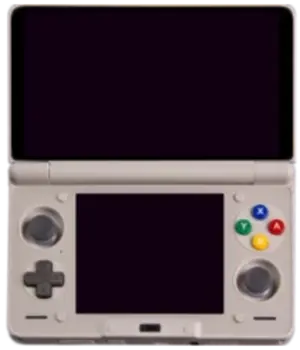 AYN
Thor Lite
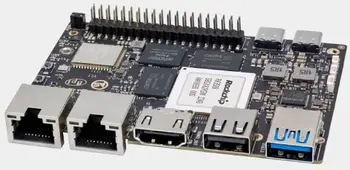 Banana Pi
BPI-M7
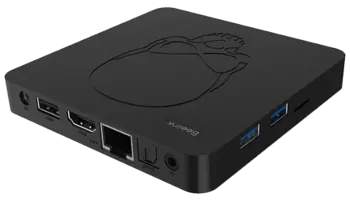 Beelink
GT-King
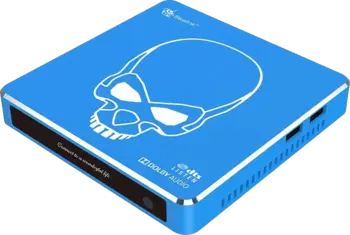 Beelink
GT-King Pro
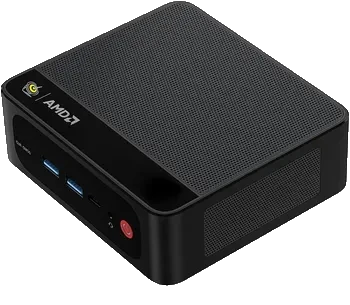 Beelink
SER5
 Capcom (Koch Media)
Capcom Home Arcade
 CoolPi
4B
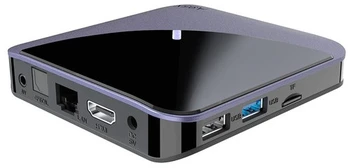 CYX
A95X F3 Air (100M)
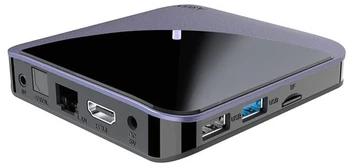 CYX
A95X F3 Air (gigabit)
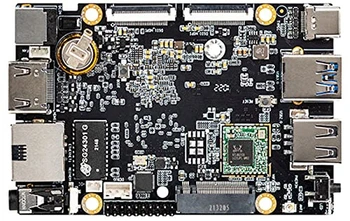 Firefly
ROC-RK3588S-PC
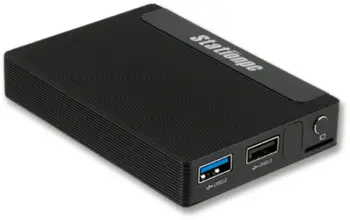 Firefly
Station M2 (ROC-RK3566-PC)
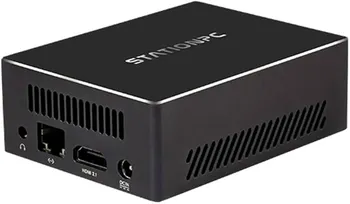 Firefly
Station M3
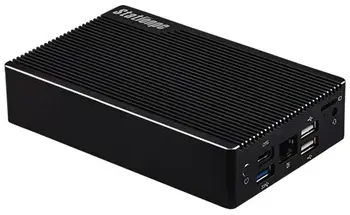 Firefly
Station P2 (ROC-RK3568-PC)
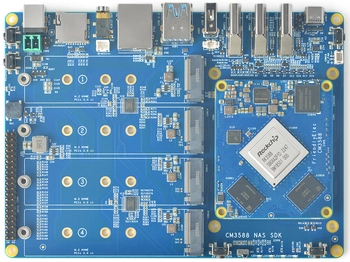 FriendlyElec
CM3588 NAS Kit
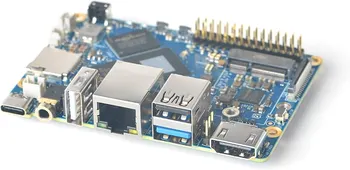 FriendlyElec
NanoPi M6
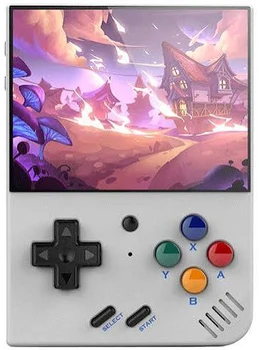 Game Console
R33S
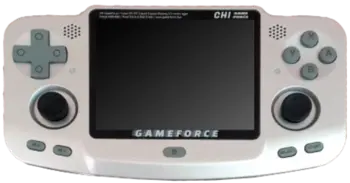 GameForce
Chi
PC
32-bit x86 PC (20+ year old)
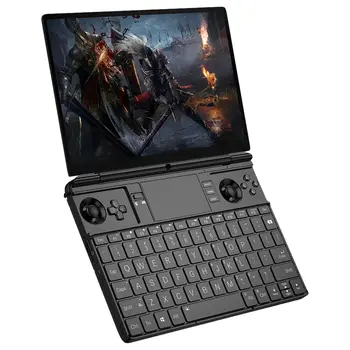 GPD
Win Max 2
 Haochuangyi
H96 Max (S905X3)
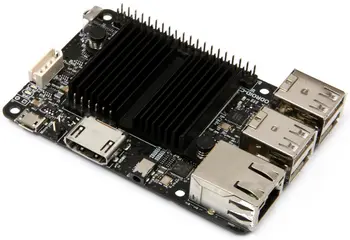 Hardkernel
ODROID-C2
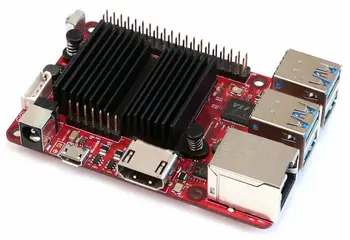 Hardkernel
ODROID-C4
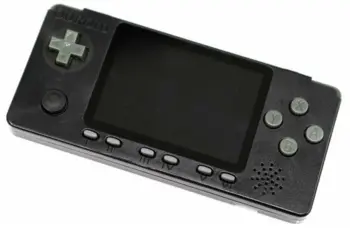 Hardkernel
ODROID-GO Advance Black Edition
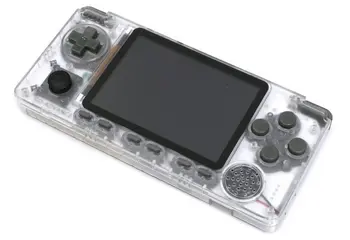 Hardkernel
ODROID-GO Advance v1.0
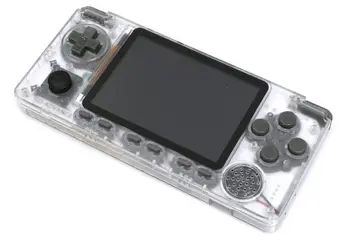 Hardkernel
ODROID-GO Advance v1.1
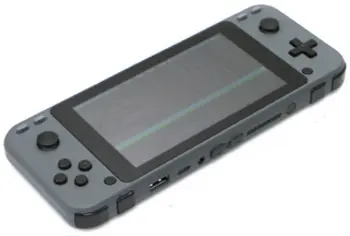 Hardkernel
ODROID-GO Super
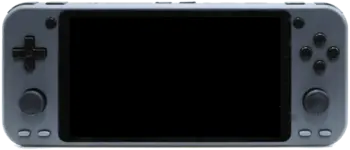 Hardkernel
ODROID-GO Ultra
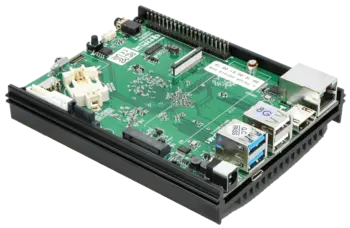 Hardkernel
ODROID-M1
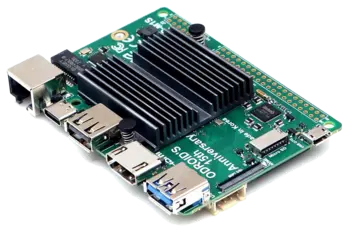 Hardkernel
ODROID-M1S
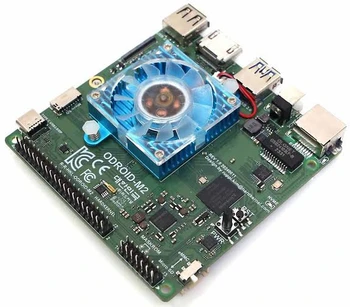 Hardkernel
ODROID-M2
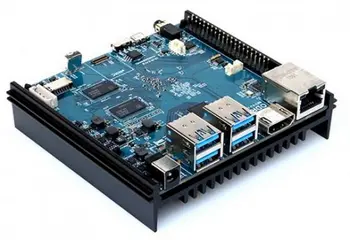 Hardkernel
ODROID-N2
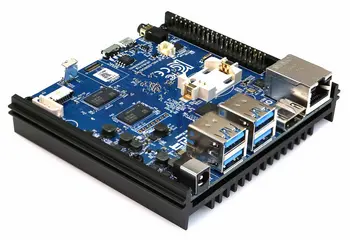 Hardkernel
ODROID-N2+
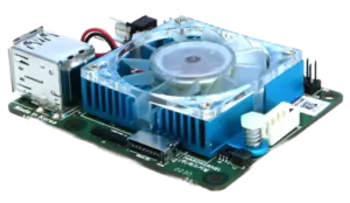 Hardkernel
ODROID-N2L
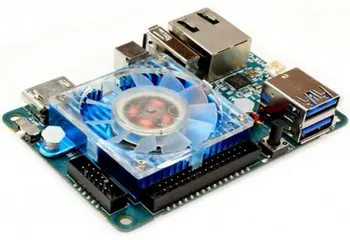 Hardkernel
ODROID-XU4
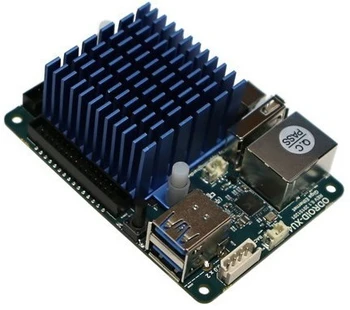 Hardkernel
ODROID-XU4Q
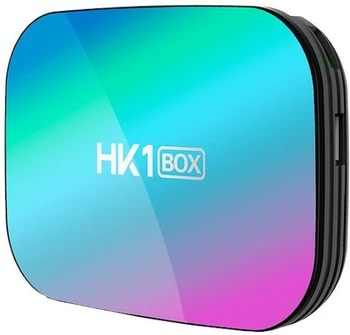 HK1
HK1 Box (S905X3)
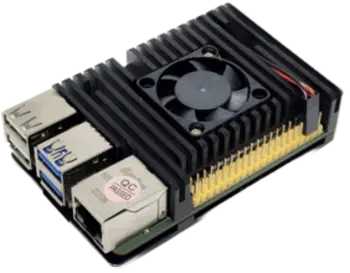 Indiedroid
Nova
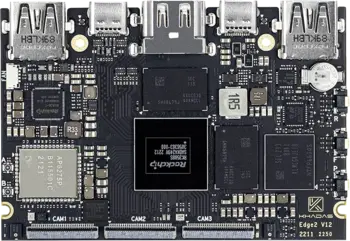 Khadas
Edge2
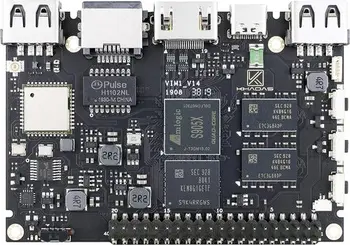 Khadas
VIM (VIM1)
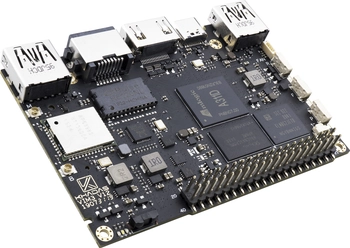 Khadas
VIM3 (A311D)
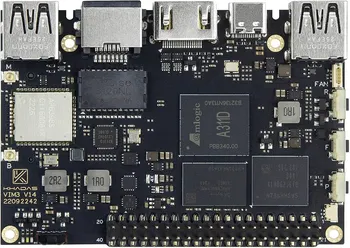 Khadas
VIM3 Pro (A311D)
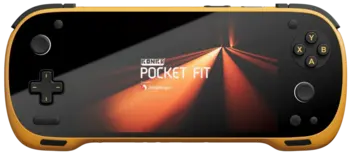 KONKR
Pocket FIT
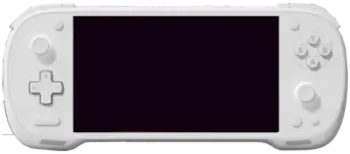 KONKR
Pocket FIT Elite
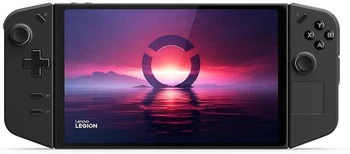 Lenovo
Legion Go
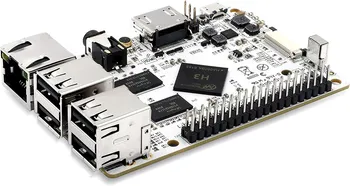 Libre Computer
ALL-H3-CC H3 (Tritium H3)
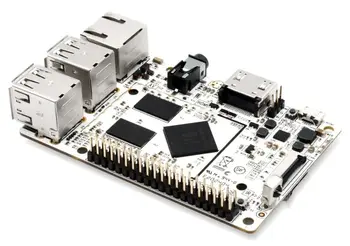 Libre Computer
ALL-H3-CC H5 (Tritium H5)
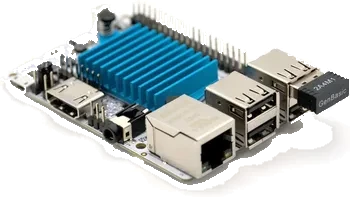 Libre Computer
AML-S905X-CC Le Potato
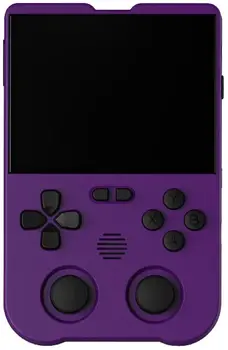 MagicX
XU10
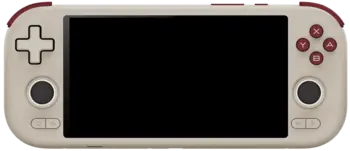 Mangmi
Air X (MQ66, HX83112A panel)
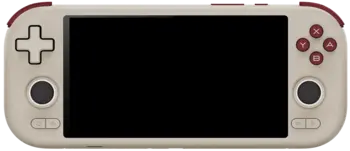 Mangmi
Air X (MQ66B, BM5460BB1 panel)
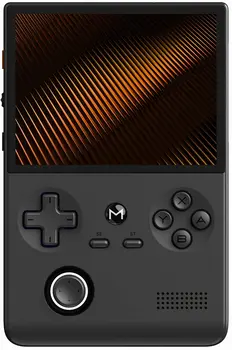 Mangmi
Air Y
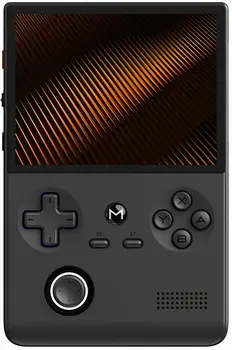 Mangmi
Air Y Pro
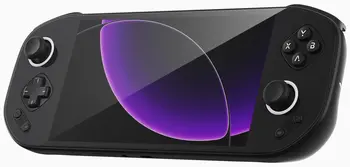 Mangmi
Pocket Max
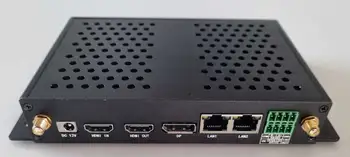 Mekotronics
R58X (Edge V1.0 board)
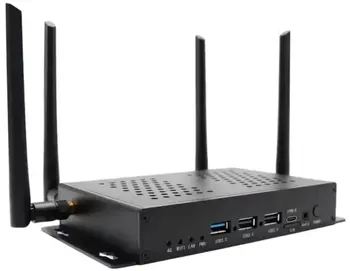 Mekotronics
R58X-4G
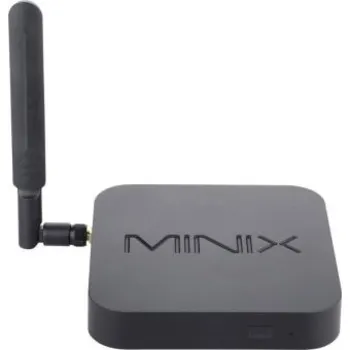 MINIX
NEO U1
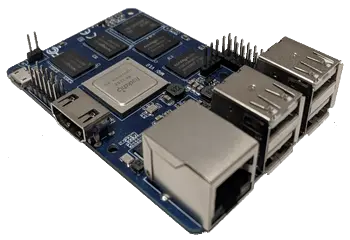 mqmaker
MiQi
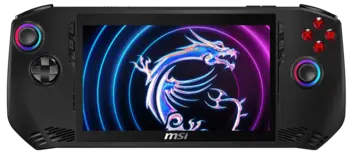 MSI
Claw A1M
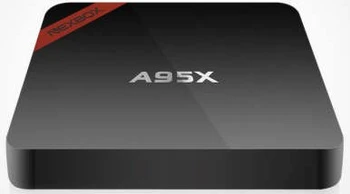 NEXBOX
A95X (S905)
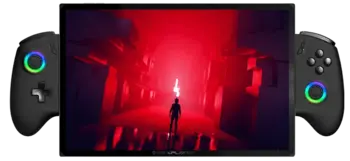 ONEXPLAYER
X1 Pro
 Pine64
QuartzPro64
 Pine64
RockPro64 v2.0
 Pine64
RockPro64 v2.1
 Powkiddy
A12 (1024x600)
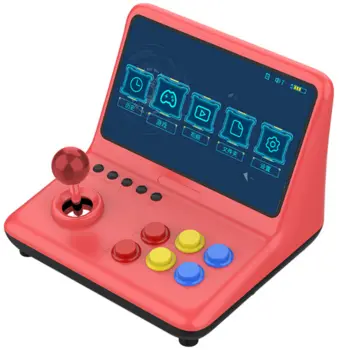 Powkiddy
A12 rev C
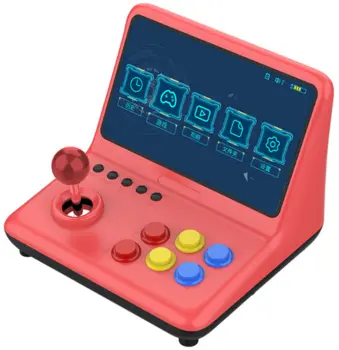 Powkiddy
A12 rev D
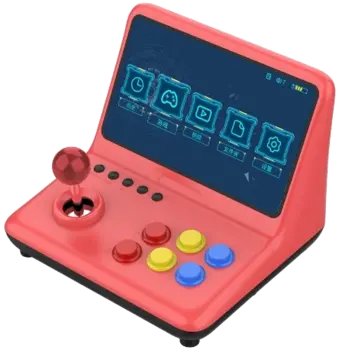 Powkiddy
A13 (rev A/B)
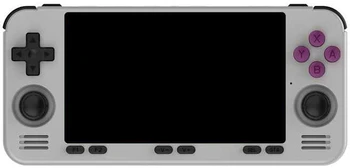 Powkiddy
RGB10
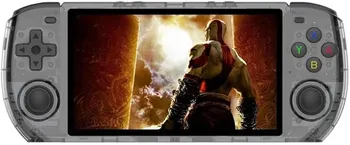 Powkiddy
RGB10 Max 3
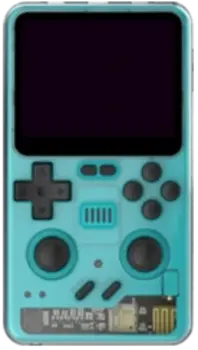 Powkiddy
RGB20 Pro
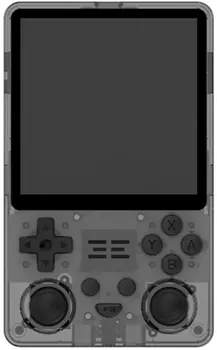 Powkiddy
RGB20SX
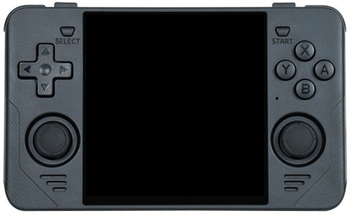 Powkiddy
RGB30
 Powkiddy
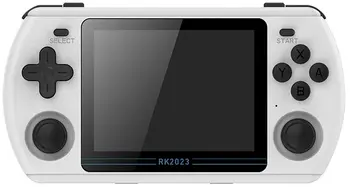
RK2023
 Powkiddy
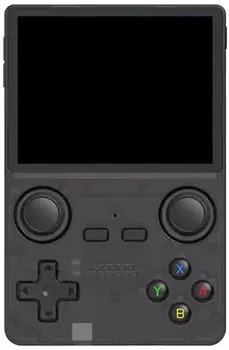
X35S
 Radxa
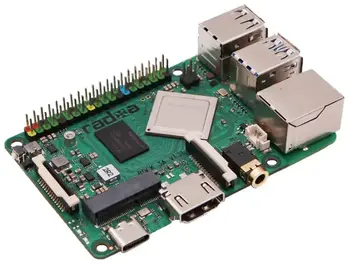
ROCK 3A
 Radxa
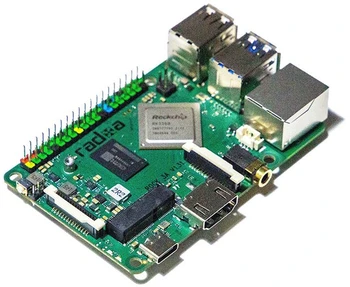
ROCK 3C
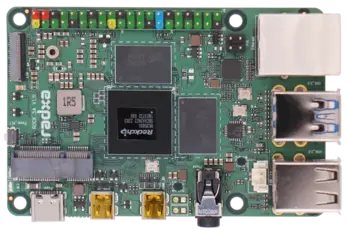 Radxa
ROCK 5A
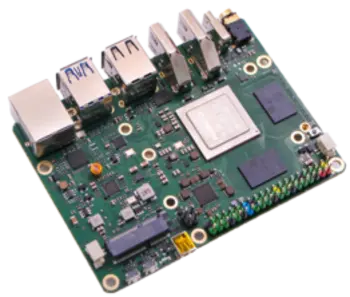 Radxa
ROCK 5B
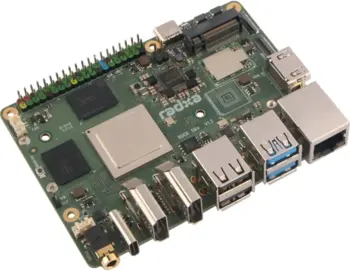 Radxa
ROCK 5B+
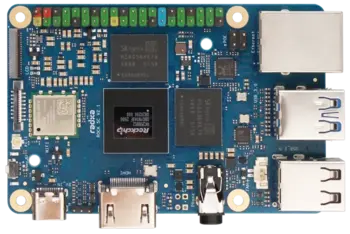 Radxa
ROCK 5C
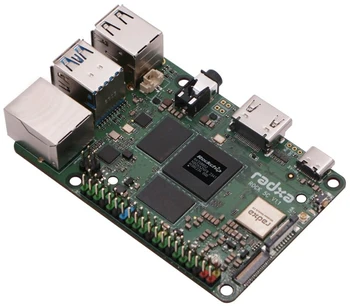 Radxa
ROCK 5C Lite
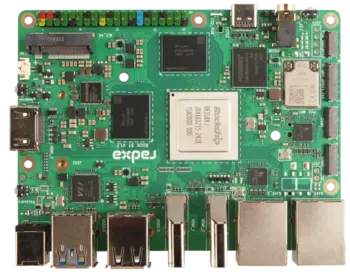 Radxa
ROCK 5T
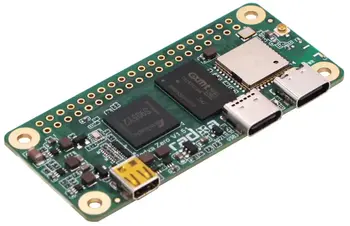 Radxa
Zero (S905Y2)
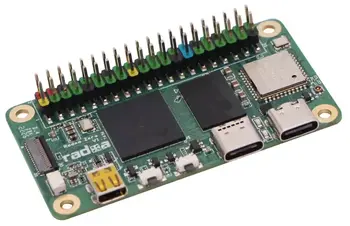 Radxa
Zero 2 (A311D)
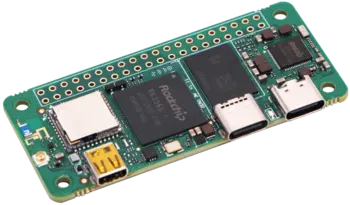 Radxa
ZERO 3W
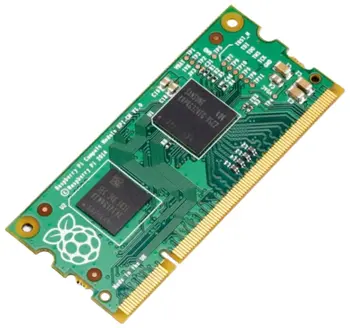 Raspberry Pi
Compute Module 1
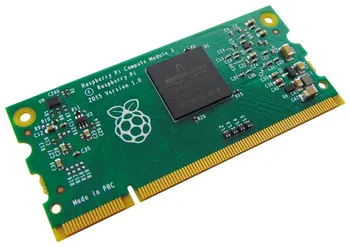 Raspberry Pi
Compute Module 3
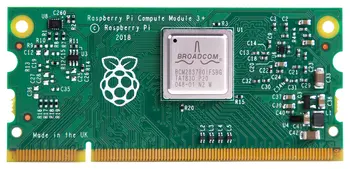 Raspberry Pi
Compute Module 3+
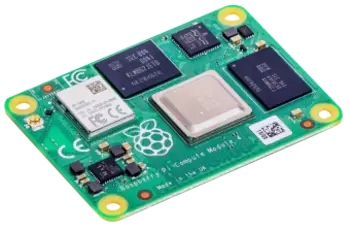 Raspberry Pi
Compute Module 4
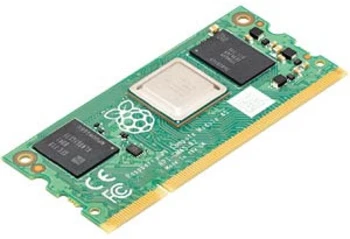 Raspberry Pi
Compute Module 4S
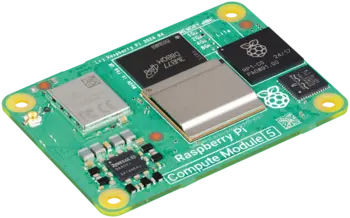 Raspberry Pi
Compute Module 5
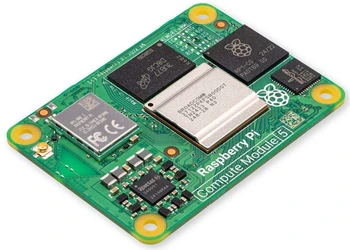 Raspberry Pi
Compute Module 5 Lite
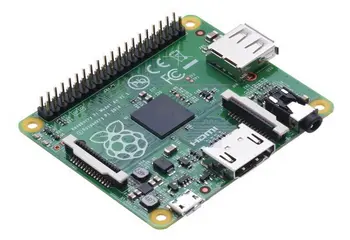 Raspberry Pi
Pi 1 Model A
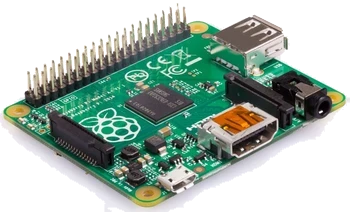 Raspberry Pi
Pi 1 Model A+
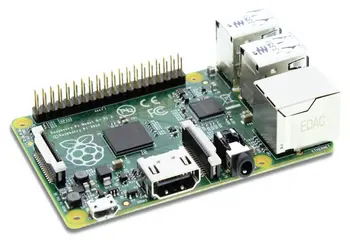 Raspberry Pi
Pi 1 Model B
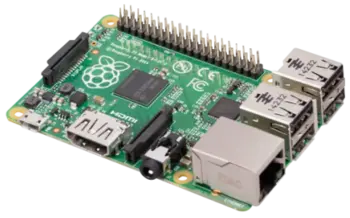 Raspberry Pi
Pi 1 Model B+
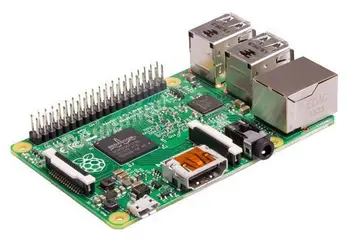 Raspberry Pi
Pi 2 Model B
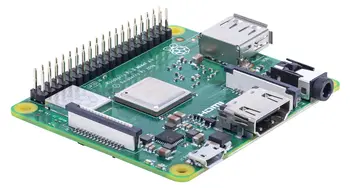 Raspberry Pi
Pi 3 Model A+
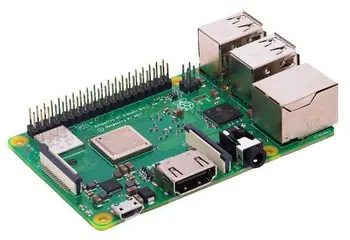 Raspberry Pi
Pi 3 Model B
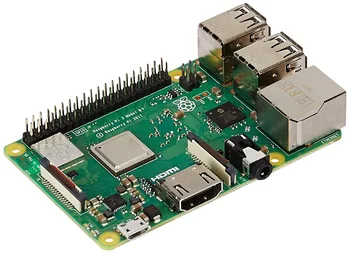 Raspberry Pi
Pi 3 Model B+
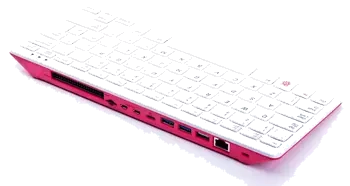 Raspberry Pi
Pi 400
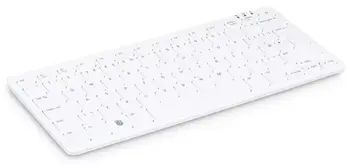 Raspberry Pi
Pi 500
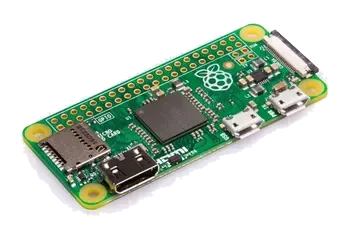 Raspberry Pi
Pi Zero
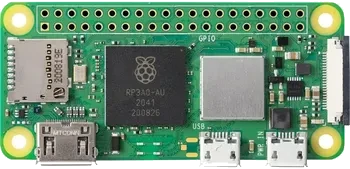 Raspberry Pi
Pi Zero 2 W
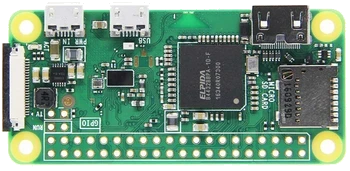 Raspberry Pi
Pi Zero W
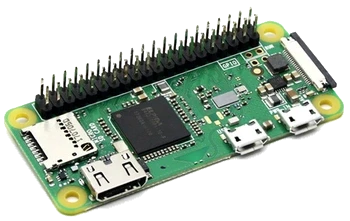 Raspberry Pi
Pi Zero WH
 Retroid
Pocket 6
 Retroid
Pocket Classic
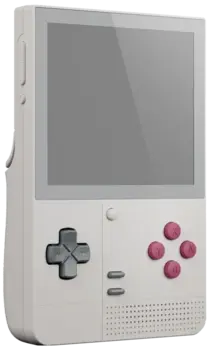 Retroid
Pocket Classic - Rev Q
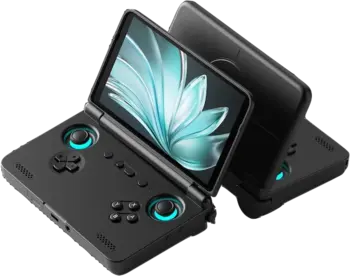 Retroid
Pocket Flip 2
 Retroid
Pocket Mini
 Retroid
Pocket Mini V2
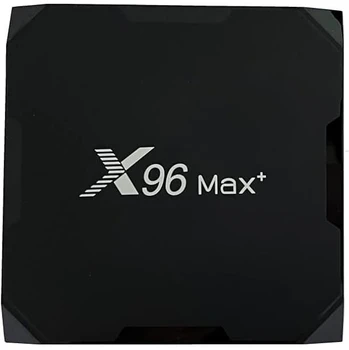 SEI Robotics
SEI610
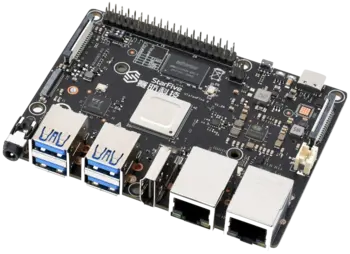 StarFive
VisionFive 2 v1.3B
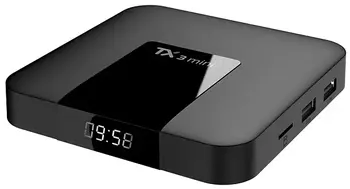 Tanix
TX3 Mini (S905W)
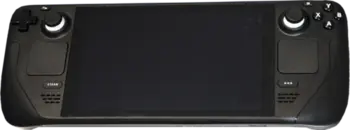 Valve
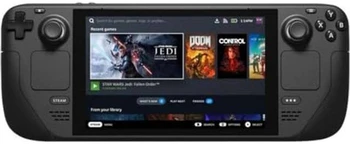
Steam Deck LCD
 Valve
Steam Deck OLED
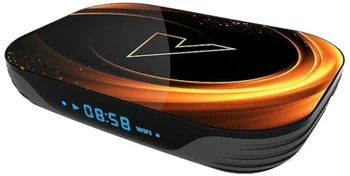 Vontar
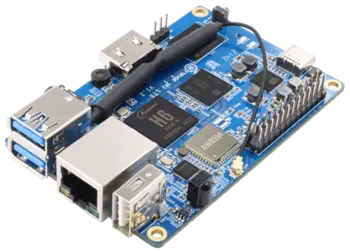
X3 (S905X3)
 Xunlong
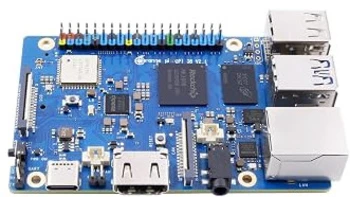
Orange Pi 3 LTS
 Xunlong
Orange Pi 3B v2.1
 Xunlong
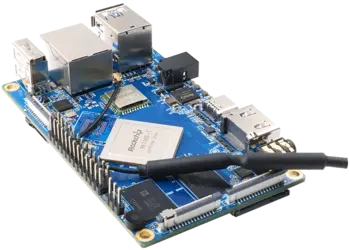
Orange Pi 4 LTS
 Xunlong
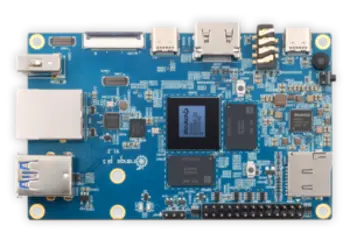
Orange Pi 5
 Xunlong
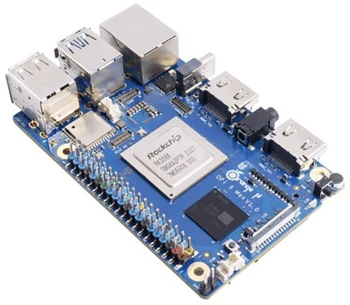
Orange Pi 5 Max
 Xunlong
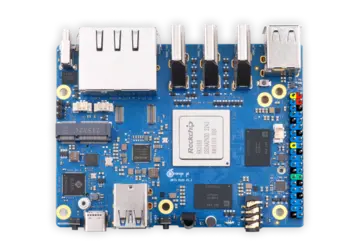
Orange Pi 5 Plus
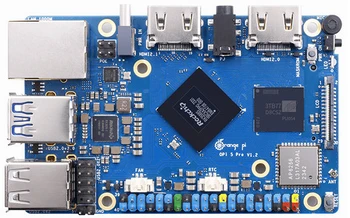 Xunlong
Orange Pi 5 Pro
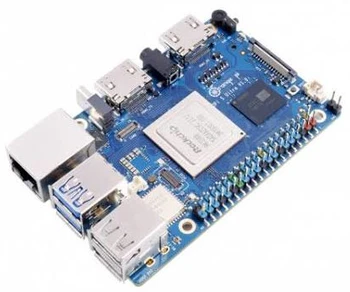 Xunlong
Orange Pi 5 Ultra
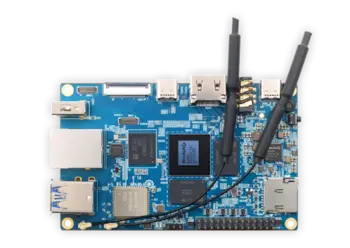 Xunlong
Orange Pi 5B
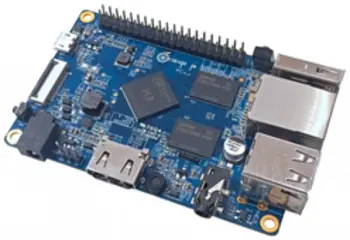 Xunlong
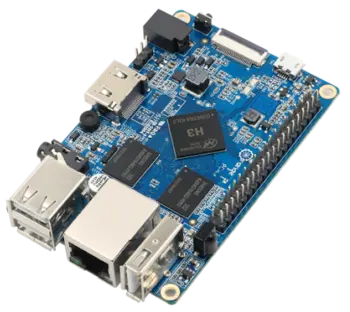
Orange Pi PC
 Xunlong
Orange Pi PC Plus
 Xunlong
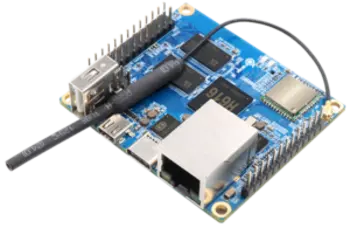
Orange Pi Zero2
No device matches.
Looking for a release candidate, a development (butterfly) build or an older device? See all devices and images.